
Classic hangman is easy to understand, which is why people still use it in classrooms, family settings, and group activities. The downside is that it can feel a little flat once you try to use it with a full room.
One board, one word, and one letter at a time is simple. But it does not always create much momentum for a larger group.
That is why many hosts end up looking for something that keeps the same puzzle-solving feel while adding more energy.
Why regular hangman can feel limited
A basic hangman game works well for one-on-one play or a quick classroom moment. It becomes harder when you want to:
- Involve multiple players or teams
- Keep a larger room engaged
- Run a full activity instead of a short warm-up
- Make the game feel exciting without making it confusing
For senior groups, family game nights, and classrooms, the goal is usually not just guessing letters. The goal is to create a social activity that is easy to follow and fun to watch.
What works better for group play
A better hangman-style game for groups usually adds:
- Shared-screen play
- Turn management
- Clear prompts for the next player
- Enough structure to support multiple rounds
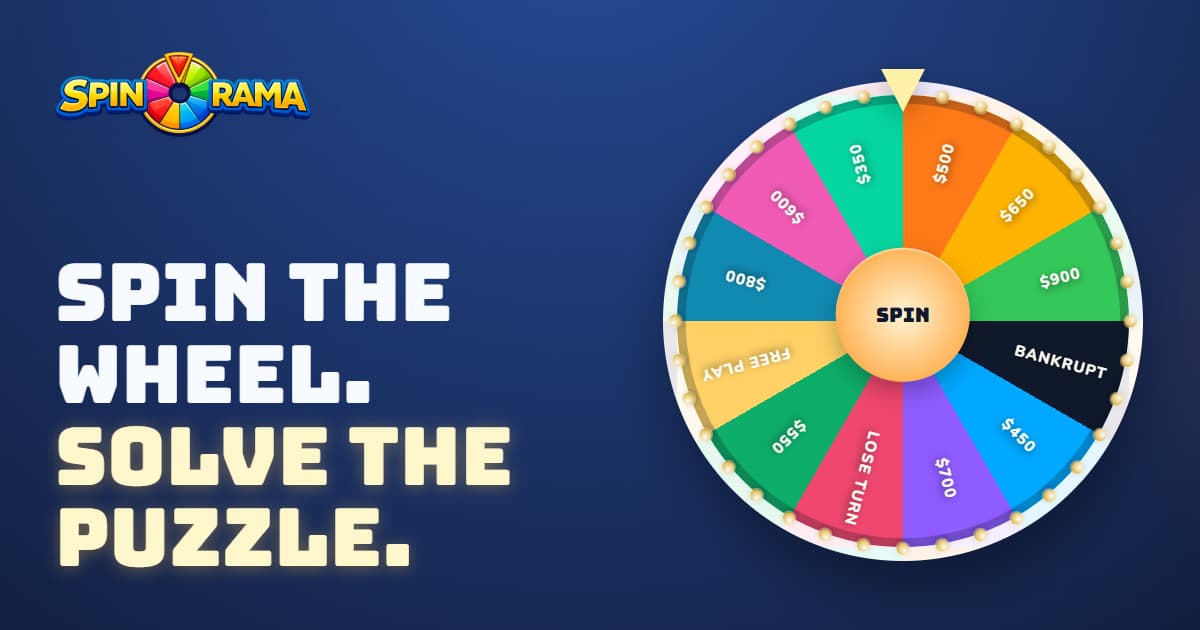
That is where a wheel-style word game can work better than traditional hangman. Players still get the familiar word-puzzle experience, but the activity feels more like an event.
Why this works well for classrooms and senior activities
When you are running a group activity, clarity matters more than novelty.
You want something that is:
- Easy to read on a TV or projector
- Easy for the host to control
- Easy for the group to understand
- Flexible enough for different energy levels
That makes a browser-based shared-screen format a strong fit. The host can move at the right pace, the whole room can see the board, and the game can work just as well in person or over Zoom.
Spinorama as a hangman alternative
Spinorama keeps the word-puzzle clarity people like in a hangman game, but adds rounds, categories, wheel-based play, and host-friendly flow.
That makes it a useful option for:
- Teachers looking for a more engaging classroom word game
- Activity leaders planning senior living sessions
- Families hosting game nights
- Remote groups who need one shared screen
If you want to compare formats, take a look at the Spinorama FAQs or try it yourself at play.spinorama.io. It is free to try in the browser, and you can create an account later if you want to save custom games and unlock more ways to host.